Turn the world into your classroom.
Capture what you discover, build collections as you learn, and turn real-world experiences into something you can study and remember.
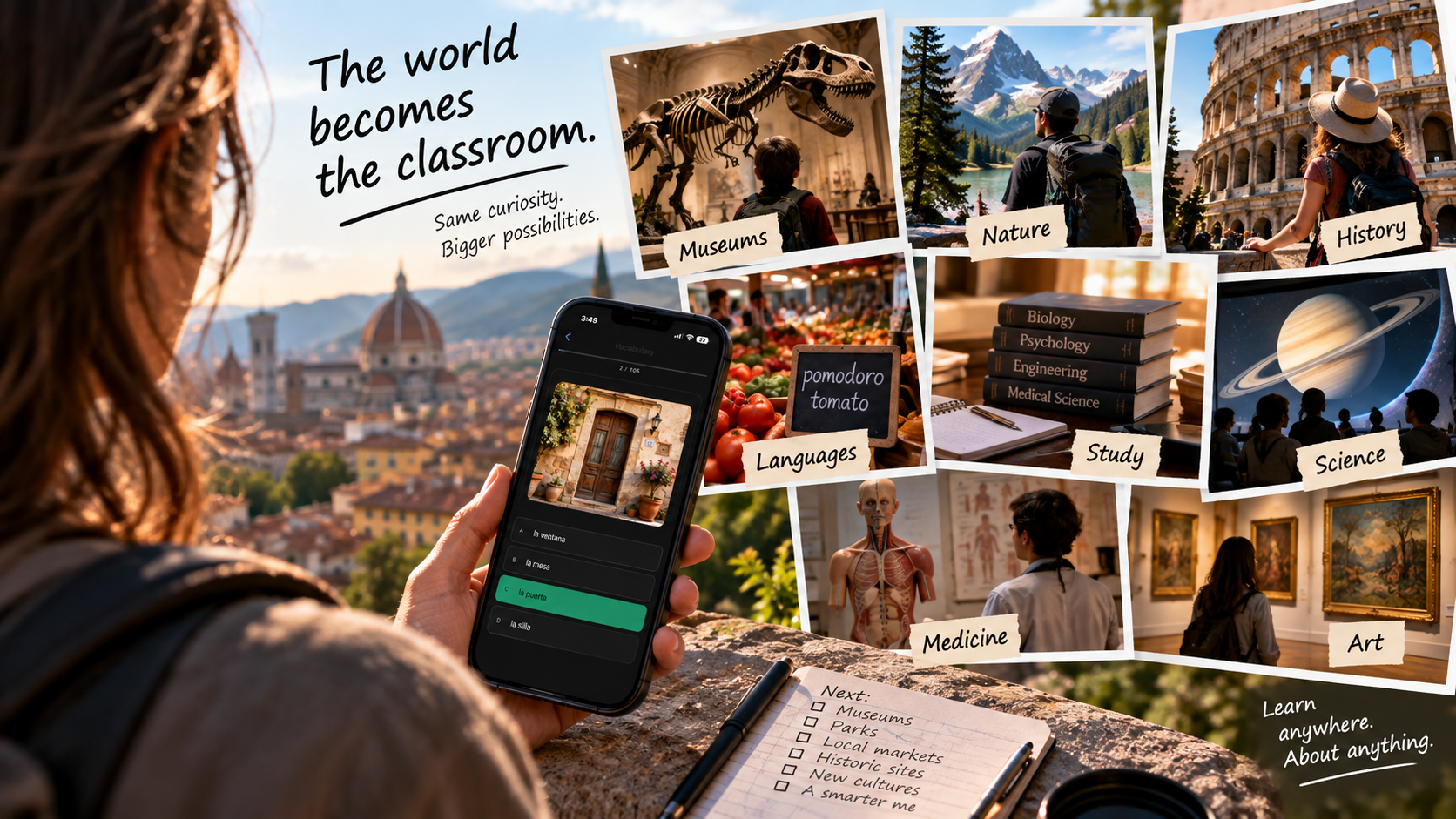
Capture what you discover, build collections as you learn, and turn real-world experiences into something you can study and remember.
Most study tools expect you to start from a blank page. You don't have a blank page — you have a worksheet, a photo of the whiteboard, a stack of notes. That's where this starts.
Getting started
One photo or a few typed words is enough to start. Long-press any Study Collection to turn it into a review session.
Long-press → EditRecall Cards ask you to remember; Multiple Choice asks you to recognize. Switch anytime — no rebuilding required.
Open it when you have time. It already knows what you need to see today — nothing else.
Green badge → StudySee a real session end to end — a standard flashcard view first, then Study Mode itself: Recall Cards, then Multiple Choice.
▶ See it in actionAI-powered search
"how plants make food"
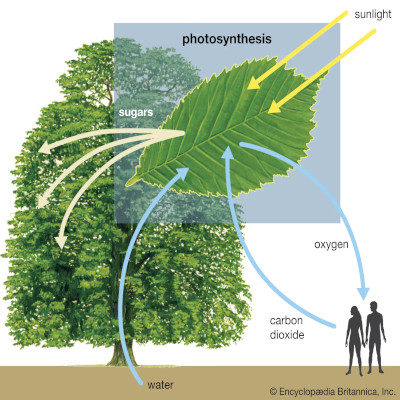
Your photo of the photosynthesis diagram from Tuesday's handout
A mineral sample
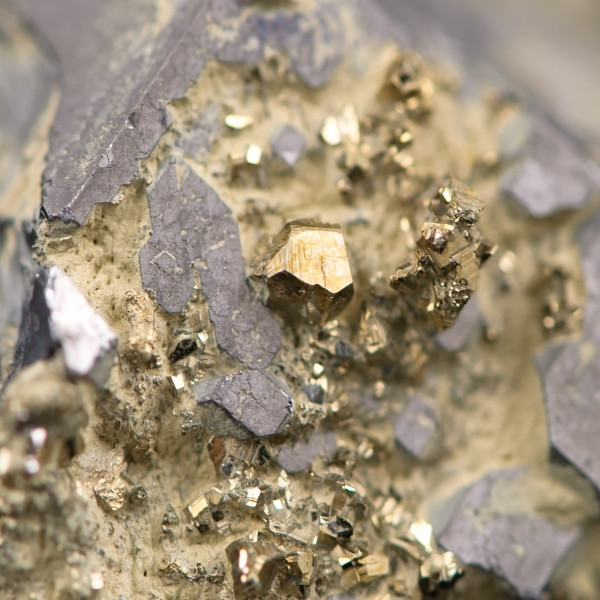
Every specimen photo that looks like it, from any lesson
"volcano cross section"
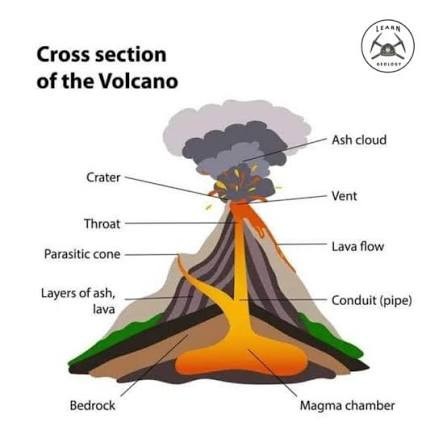
The matching diagram — even though you never typed that caption
For educators
No student logins. No class codes. No new gradebook. You photograph what you already teach — students review it in the same app, on their own devices, on their own time.
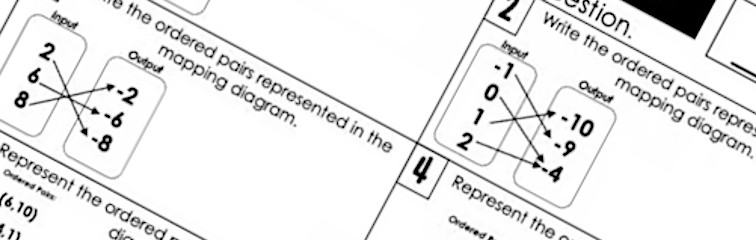
Photograph it. Today's worksheet becomes a review set before tomorrow's quiz.
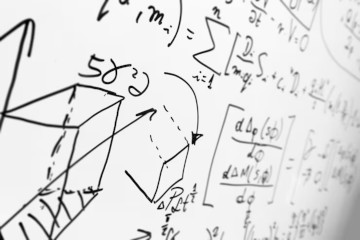
Snap the board at the end of class — the photo becomes part of tonight's review, no typing required.
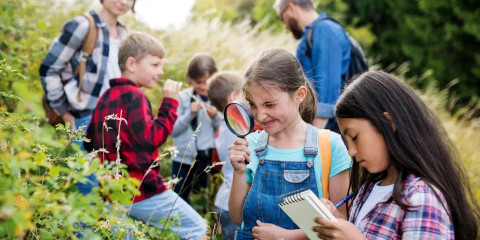
Museum, garden, lab — photograph what you saw. It becomes a scavenger hunt by the bus ride home.
Photograph key pages as you teach all semester. By finals, it's the whole unit — no digging through folders.
Backed by how memory works
Trying to recall something — before you're shown the answer — is what makes it stick.
Reviewing something right before you'd forget it works better than cramming it once.
Rating yourself — Again, Good, Easy — makes you notice what you actually don't know.
Who it's for
Vocabulary, lab specimens, primary sources — from your own class.
Lecture slides, case studies, anatomy diagrams — reviewed on your schedule.
Reference material and case files, turned into review without a separate tool.
Birds, plants, coins, constellations — photograph what you find and drill it later.
One shared set the whole class reviews from — see "For teachers" above.
Your materials live on your device unless you choose otherwise — nothing leaves your phone without you actively sharing it. Thngs is built to be family-friendly at every tier, per our Terms.
Every field, label, and display template is yours to configure — set up a Study Collection exactly the way you think about the material.
Keep it private, invite specific people, or share it with classmates, colleagues, or the whole world — your Study Collection, your call.
Add to it all semester. By finals, it's the whole course — not something you build from scratch the night before.
Private by default. See how your data is handled → A Thngs account is for ages 13+; children under 13 should use it with a parent or guardian, per our Terms.
Pricing
Same account, same app, same Study Mode at every tier — upgrading just raises how much you can hold.
Enough to build a real Study Collection and see if the habit sticks.
For a full semester or course load across a few subjects.
For board exams, certifications, and years of accumulated material.
Free forever, no credit card required. We don't want your data.
Ready?
Free to download. Works with anything already in Thngs — or start from your first photo today.